
Haych/dev Heatmaps
Click & scroll heatmaps that live entirely in your own database. No cookies, no third-party trackers.
Haychdev Heatmaps shows you where visitors click and how far they scroll — as a heat overlay on your live pages. Unlike heavyweight heatmap services that pipe visitor behavior to someone else's servers, it keeps everything in your own database.
Why Haych/dev Heatmaps
- Your data stays yours
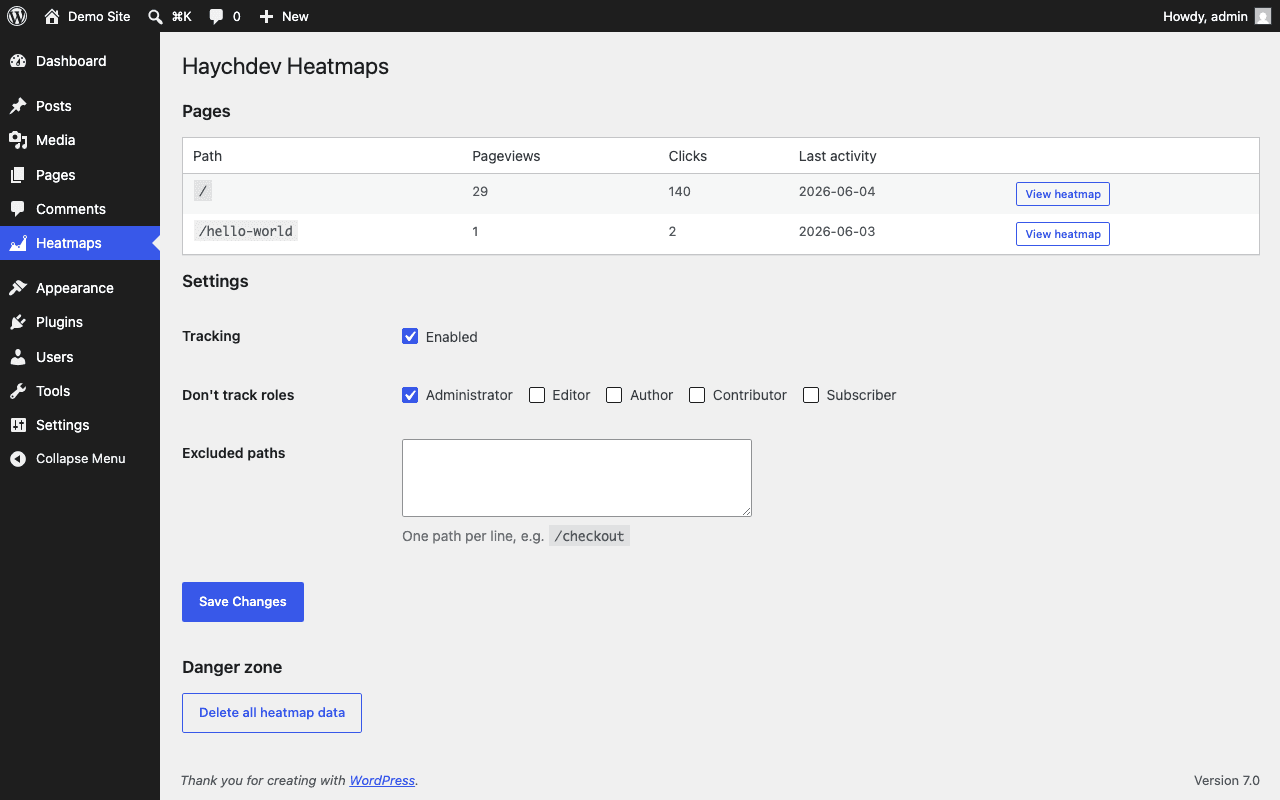
Everything is stored in three custom tables in your own WordPress database. Nothing is sent to third-party servers.
- Genuinely lightweight
A sub-4KB cookieless tracker sends a single request per pageview. Busy pages are sampled automatically.
- Privacy-first by architecture
No cookies, no IP storage, no fingerprinting, no PII. GDPR-friendly out of the box.
- Heatmaps on your real pages
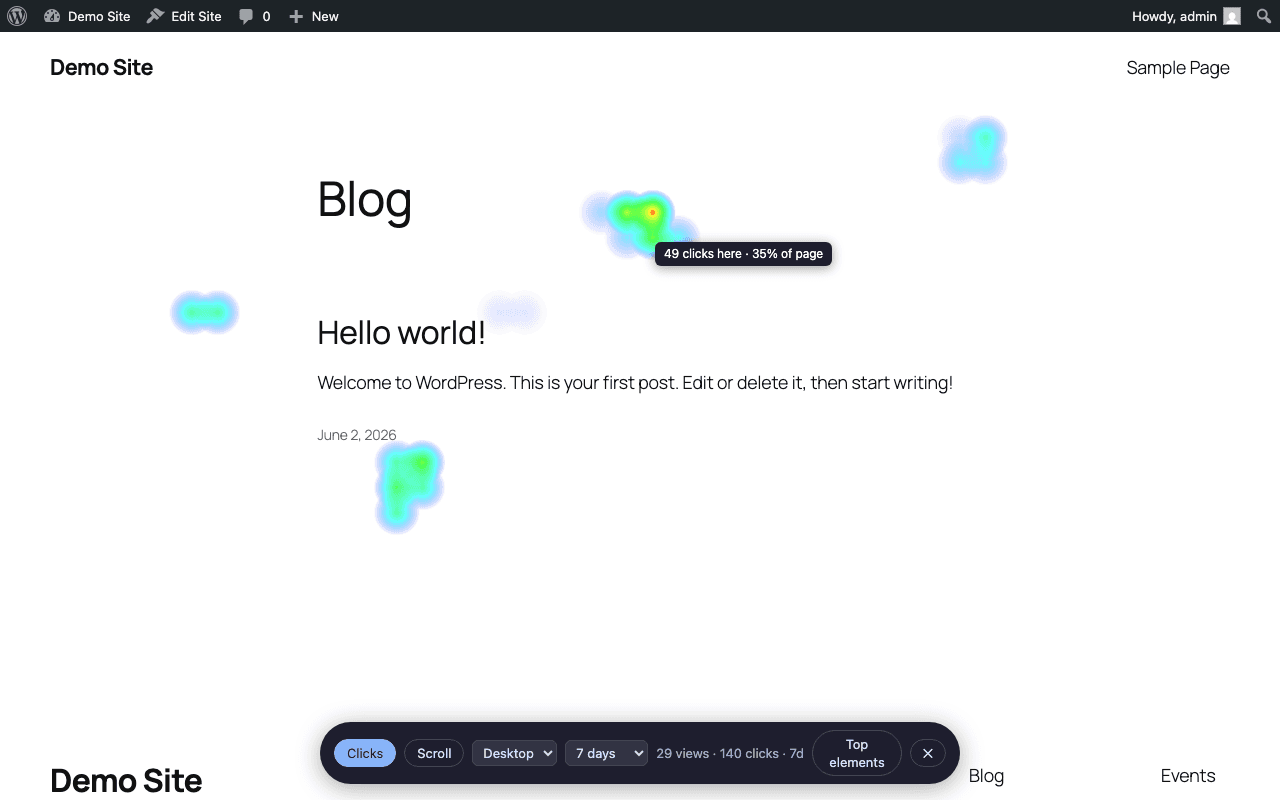
Open any page with the floating toolbar and see clicks and scroll depth overlaid on the live, responsive layout — segmented by desktop, tablet, and mobile.
- Hover for exact numbers
Move the cursor over any heated area to read its click count and share of the page (or scroll-depth reach in scroll mode).
Screenshots
Free vs Pro
Free
- Click heatmap on your 3 highest-traffic pages
- Desktop viewport
- 30-day data retention
- All data stored in your own WordPress database
- Vanilla-JS tracker under 4 KB
Pro
Everything in Free, plus:
- Click heatmaps on every page on your site
- Scroll heatmap mode
- Device segmentation across desktop, tablet, and mobile
- 90-day data retention
- Export as CSV or PNG snapshot
FAQ
- Does it slow down my site?
- The tracker is under 4KB, loads deferred, and sends one request per pageview. Heavy pages are automatically sampled.
- Where is my data stored?
- In three custom tables in your own WordPress database. Deleting the plugin removes them completely.
- Do I need a cookie consent banner?
- The plugin sets no cookies and stores no personal data. Consult your own counsel, but the architecture is consent-banner-friendly by design.
- How long is data kept?
- 90 days by default. Developers can change this with the lightmap_retention_days filter.